








Last Updated on: 6th January 2026, 7:04 am
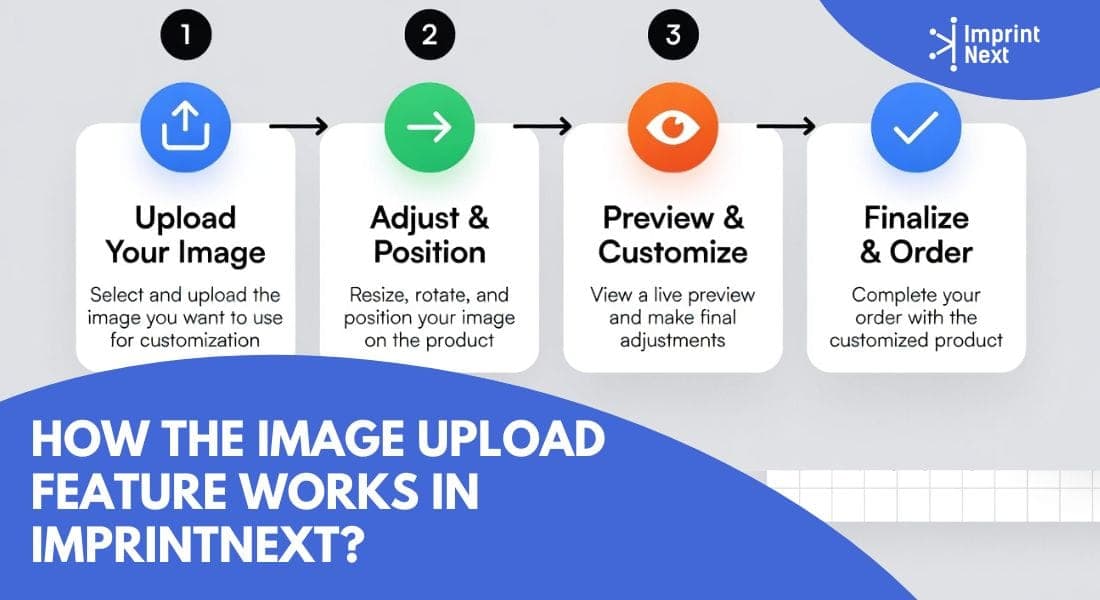
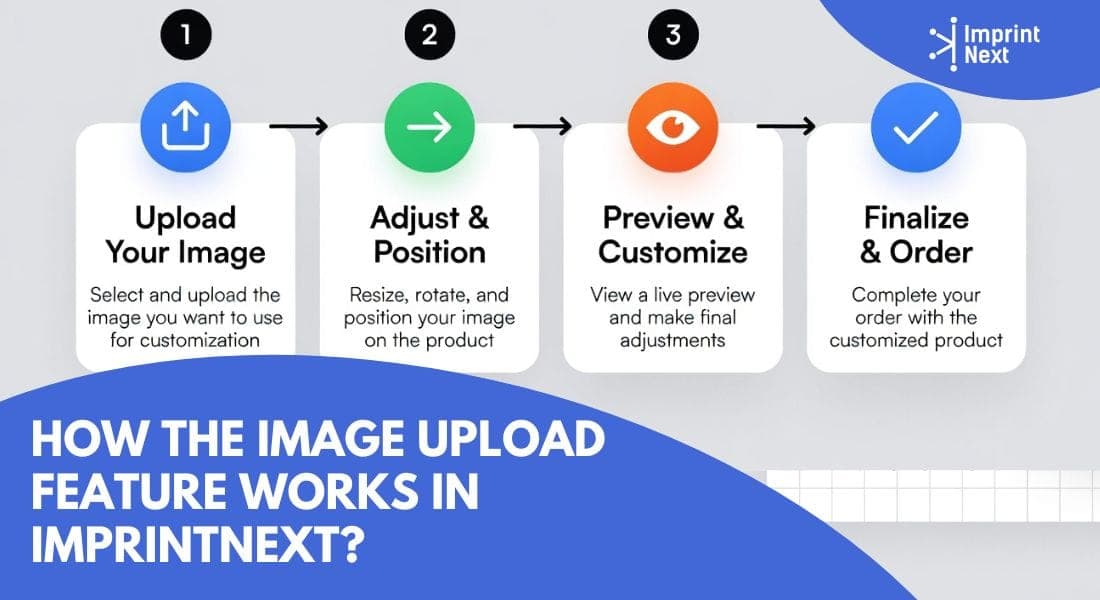
The image upload feature of Imprintext lets customers select their design files from a computer or phone and upload them directly to customize products on the ecommerce storefront of the seller. It supports many file types like PDF, PNG, JPG, PSD, INDD, and CDR, so users do not need to convert their files. Customers can upload one file or many files at the same time, even if the files are large. Customers can also drag and drop designs to customize orders.
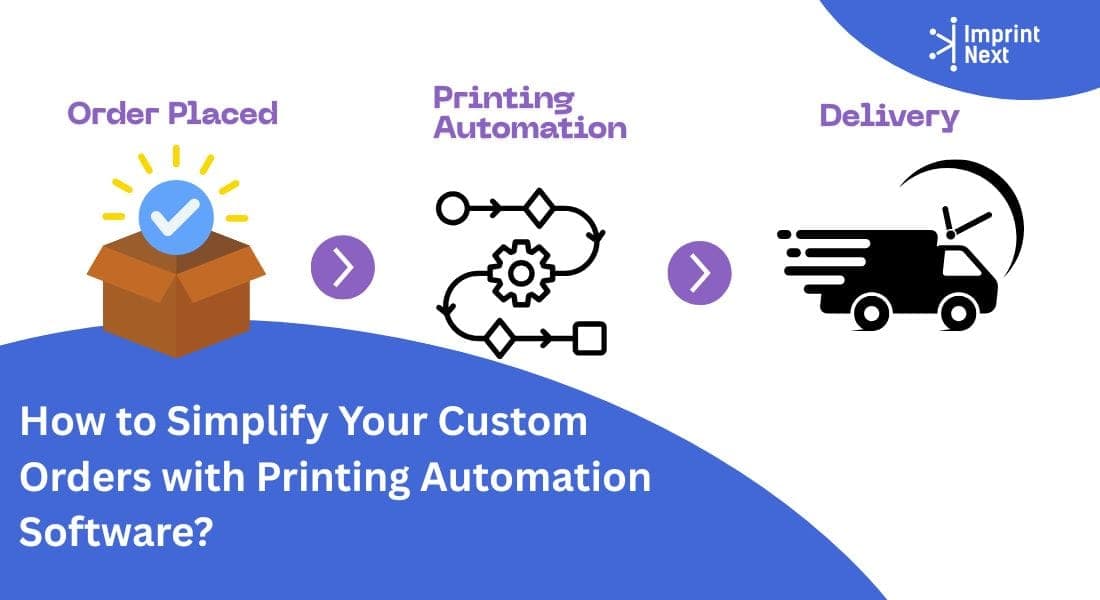
Once uploaded, the files are safely stood on the system and linked to the customer’s print order. The printer can then open these files, check them, and use them for printing without asking the customer to resend anything.
How Does Artwork/Image Upload Feature Help Print Shops?
The artwork or image upload feature helps print shops by making it easy for customers to place orders. Customers can upload their files from any device, like a phone or computer, from any place. They can upload many types of files such as documents, images, maps, and designs, without visiting the shop.
After uploading a file, customers can directly choose print products like posters, banners, business cards, or flyers. The print shop receives the ready files, which saves time and reduces errors. This faster process helps the shop handle more orders and sell more products.
Top 06 Image Upload Features that Print Shops can Offer their Customers
1.Upload Large Image Files:
In the web-to-print industry, where customers customize and order printed products like business cards, flyers, banners, signs, brochures, and packaging online, people often upload their own design files. Many platforms set limits on file sizes, such as 20MB for some web print services, 200MB for print-on-demand sites like Printful, or 50MB to 225MB in others. These limits cause problems because large high-resolution files needed for big items like wide-format banners or detailed packaging can fail to upload, leading to delays, errors, or customers having to shrink files and risk lower print quality.
The "Upload Design" feature from ImprintNext solves this by accepting files of any size with no limits. This removes upload failures and waiting times, especially useful for large-format printing where high-resolution files are common and essential for sharp results on signs or banners. Customers can quickly upload ready artwork, see prices, and order without issues.
2.All File Formats Supported
Most platforms limit accepted formats to common ones like PDF, JPG, PNG, TIFF, and sometimes EPS or AI. Services such as Vistaprint, MOO, and Printful mainly support PDF, JPEG, PNG, with MOO accepting only PDF, JPG, PNG for uploads. This restriction forces customers to convert files from programs like Photoshop (PSD) or InDesign (INDD).
The Upload File feature from ImprintNext accepts any format, including PDF, raster images (JPG, PNG), PSD (Photoshop layered files), InDesign (INDD for complex layouts), CDR (CorelDRAW), and more. This allows professional designers to upload native files directly without conversion, preserving layers, vectors, and details for accurate printing on items like multi-page brochures or packaged products. Built-in browser preview and preflight checks detect issues early so that print shops do not have to waste time in customer followups and error correction.
3.Preview:
The Preview Artwork in the Browser feature shows uploaded files directly in the web browser without separate software. It supports real-time viewing for any format, including PDF, raster (JPG, PNG), PSD, InDesign, and more, with checks for positioning, bleed, and issues.
Built-in preflight detects problems like low resolution or color mismatches early. This speeds up verification in product customization, reduces print errors on items like multi-page brochures or large banners.
4.Seamless Ecommerce Integration
Many print shops use eCommerce platforms like Shopify (over 1 million stores worldwide), WooCommerce (powers 28% of online stores), and Magento (used by 267,000+ sites including large printers) to sell customizable products such as business cards, banners, brochures, and packaging.
Adding file upload and customization features often requires separate tools or plugins, but mismatched integrations cause setup delays, lost SEO traffic, or the need to rebuild the entire site when switching platforms.
The Upload File to Print feature from ImprintNext integrates seamlessly with existing websites on Shopify, WooCommerce, Magento, BigCommerce, and custom platforms via plugins or APIs available on official marketplaces like Magento Marketplace and Shopify App Store. Easily add file upload, preview, and ordering without disrupting current storefronts, payments, or catalogs.
5.Edit Uploaded Images:
Customers often upload raster images like JPG and PNG for products such as business cards, posters, flyers, photo gifts, and packaging. Many platforms offer limited or no editing after upload; for example, Vistaprint allows basic image selection and minor adjustments in templates, MOO focuses on premium templates with little post-upload raster editing, and Printful requires print-ready files with no built-in raster edits for uploads. This means customers needing changes like cropping, rotating, or fixing red-eye must use external software like Photoshop.
With ImprintNext, your customers can edit uploaded image file for direct editing in JPG, PNG, and other raster images inside the browser. Tools include cropping, rotating, applying filters, background removal, image enhancement, and resolution upscaling, similar to features in Picsart-integrated platforms or Filestack APIs used in some web-to-print services.
6.Upload from Facebook, Google Drive and Dropbox:
Customers ordering custom products like apparel, signage and promotional products often store print-ready artwork in cloud services such as Google Drive or Dropbox. Most platforms, including Vistaprint, Printful, MOO, and Mixam, require direct uploads from the customer's device or limited links, forcing users to download files locally first.
The Google Drive & Dropbox Integration in ImprintNext Upload File to Print lets customers connect their accounts and select files directly from cloud storage during ordering. This skips local downloads, supports large high-resolution files for items like wide-format signs or multi-page packaging, and combines with browser preview and preflight checks.