





Last Updated on: 22nd January 2026, 9:45 am
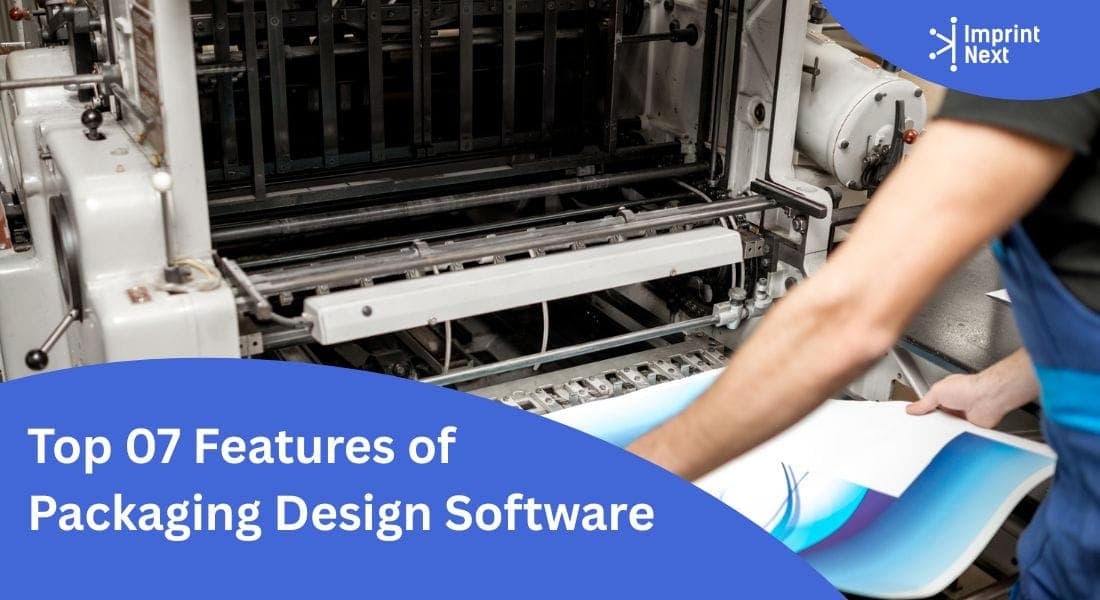
Packaging design software is an online design tool that helps businesses and their customers design and customize product packaging such as boxes, labels, pouches, and cartons. Instead of drawing designs on paper, people use this software on a computer or in a web browser to make their packaging look great, choose shapes, add pictures and text, and even see how it will look in 3D before printing.
This helps companies save time, avoid mistakes, and make sure the finished packaging is exactly how they want it. It’s especially useful for businesses that want to give their customers easy control over design and make the printing process faster and error-free.
The market for packaging design and related design tools is growing quickly as more companies move online and want better digital tools:
In 2025, the global packaging design software market was valued at about USD 1.42 billion, and it is expected to grow steadily over the coming years as more businesses use these tools.
This shows that more companies are using packaging design software, and the industry is expanding fast.
Top 07 Features of Packaging Design Software
1.AI-Powered Design Software:
Artificial intelligence to help users create better packaging designs faster. Features like text-to-image generation can turn simple written ideas into visuals, while background removal quickly cleans up product images.
Smart text suggestions help users choose better wording, and color detection ensures colors look consistent and professional across the design. These tools reduce the need for advanced design skills and make the process easier for everyone.
2.Preview in 3D:
3D preview visualization means the software allows users to see their packaging in a realistic 3D view before it is printed. Users can rotate the box or package on the screen, check folds, flaps, die-cuts, and finishes, and clearly understand how the final product will look.
By validating structure and layout at this stage, users can correct alignment issues, sizing errors, or design flaws early.
3.Real-time Design Layout and sizing
Custom real-time sizing means customers can enter the exact height, width, and depth they want for their packaging, instead of choosing from fixed sizes. As soon as they change the dimensions, the design on the screen automatically adjusts to fit the new size. This helps users clearly see how their text, images, and layout will look on the final package, making it easier to create a design that matches their product perfectly.
At the same time, the software updates pricing instantly based on the selected size, so customers know the cost without waiting for a quote.
4.All Over Personalization:
Inside and outside personalization means users can design not only the outer surface of the packaging but also the inside. This allows them to add logos, colors, patterns, or text on the interior panels that customers see when they open the package. By giving control over both sides, the software helps create packaging that looks thoughtful and well-designed from every angle, not just on the outside.
This feature is especially useful for brands that want to create a premium unboxing experience. Businesses can include thank-you messages, instructions, promotional content, or brand stories inside the package.
5.Flexible Pricing Model:
The product designer tool automatically calculates the cost of packaging based on the choices a customer makes. When users select the size, quantity, material, printing finish, or level of customization, the price updates instantly on the screen. This helps customers clearly understand how each option affects the final cost, so there are no surprises later and no need to wait for manual price quotes.
For businesses, this software saves time and reduces errors by eliminating manual pricing calculations.
6.Add Special Finish Touches:
Allow customers to add special finishing touches to their packaging that make it look more attractive and premium.
Features like foil stamping add a shiny metallic effect, embossing and debossing create raised or pressed designs, and spot UV adds a glossy highlight to specific areas. These options help customers enhance the look and feel of their packaging beyond standard printing.
7.Serve Multiple Industries:
Multiple packaging product options mean the software can handle many different types of packaging in one place, such as boxes, labels, pouches, cartons, sleeves, and tubes.
Instead of using separate tools for each product, users can design all their packaging formats on a single platform. This makes it easier for businesses to manage different packaging needs and offer more choices to their customers.
This flexibility helps companies serve multiple industries, including food, cosmetics, pharmaceuticals, retail, and e-commerce.
Conclusion:
The packaging design software brings all essential tools into one unified platform, allowing users to design, customize, size, visualize, price, and enhance packaging with ease.
From real-time sizing and 3D previews to inside–outside personalization, premium embellishments, AI-powered design assistance, and support for multiple packaging formats, the software simplifies complex processes while improving accuracy and design quality.